c. Re-activate SAMFlows Auto Mode
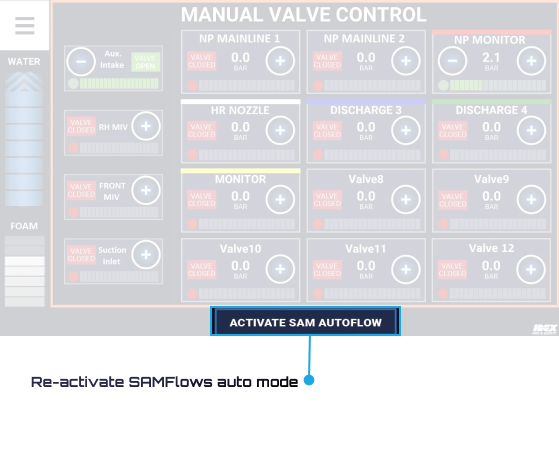
To go back to auto mode, the operator taps on this button. SAMFlows will ask for a confirmation and then go back into auto mode.
To go back to auto mode, the operator taps on this button. SAMFlows will ask for a confirmation and then go back into auto mode.